Watch Your Story
Go through your Series Finale one card at a time, the way it's meant to be seen on a phone.
Last updated October 7, 2026
The story is your Series Finale told one card at a time: your hours, your top show, your most obscure film, your genres, your busiest month, your biggest day, your watching type, the shows you walked out on, your crew, and how you compare with a friend.
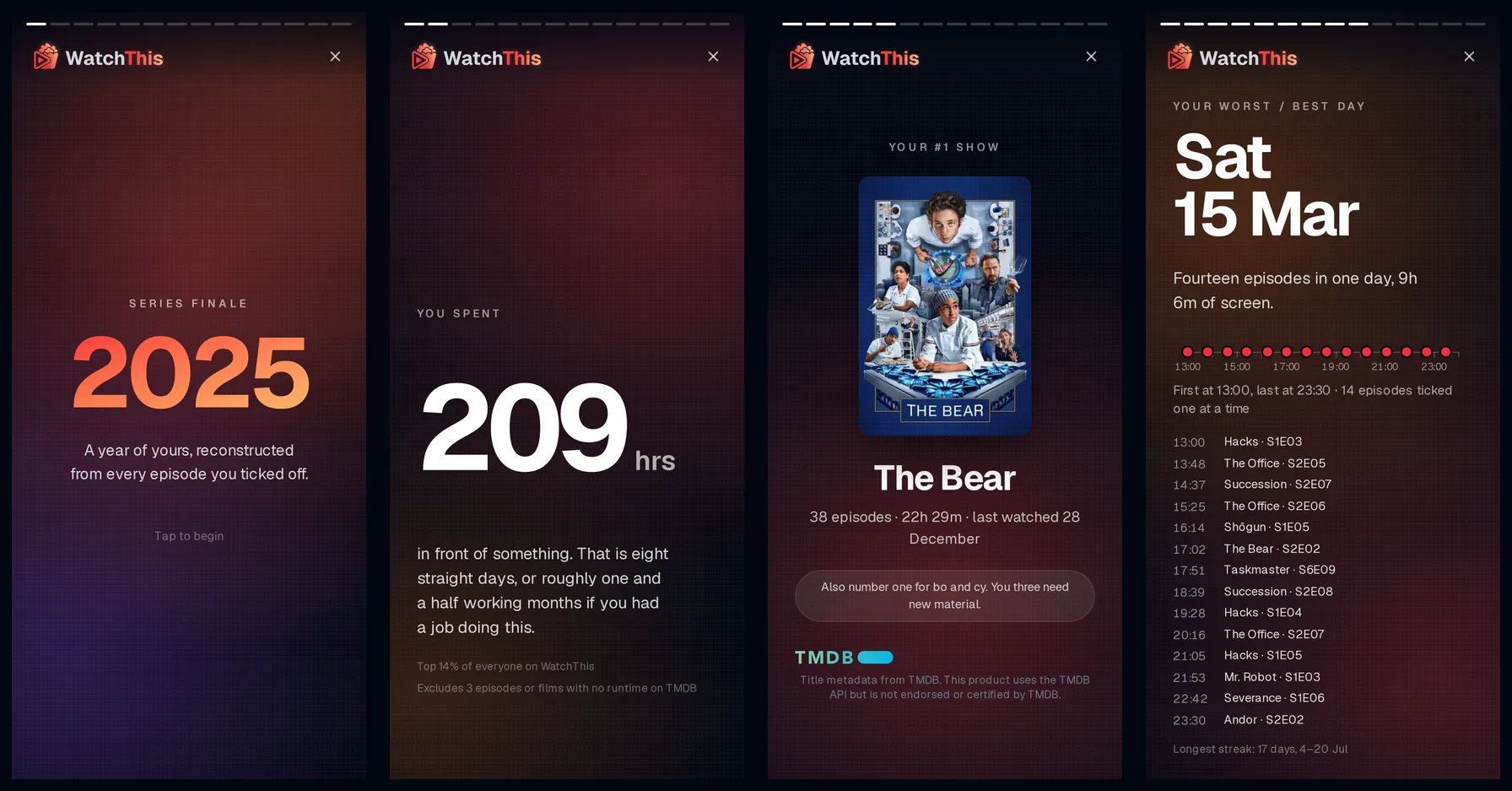
- On a phone: select See your Series Finale on the dashboard banner, or Open next to the year in your profile. The first time you open a year on your phone, it always starts with the story.
- On a computer: open your Series Finale, then select Play as story at the top of the page.
- Next card: tap the right side of the screen, or press the → key.
- Previous card: tap the left side of the screen, or press the ← key.
- Close: tap × in the top corner, or press Esc.
The bars along the top show where you are in the story. If a card is taller than your screen, scroll down to see the rest of it; each new card starts back at the top.
Cards with nothing to say are skipped. For example, if you didn't finish any films that year, there's no "most obscure film" card, and if you don't share any lists, there are no crew cards.
The story ends on a summary of your year: your hours, episodes, titles finished, shows abandoned, top show, deepest cut and watching type. From here you can:
- select Share your card to share your year as an image (read Share Your Card);
- select See the full recap to open the full page.
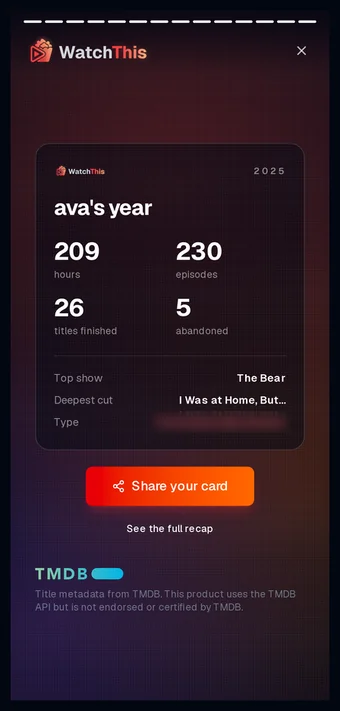
Reaching the last card unlocks the full recap on your phone. WatchThis remembers this on your account, so it applies on every device you sign in on. From then on, opening that year on your phone goes straight to the full recap, and you can replay the story at any time with the ▷ (Play as story) button at the top.
If you close the story on your phone before reaching the end, you're taken back to your dashboard. Open it again whenever you're ready.
- Some cards depend on how you tick episodes. The biggest-day timeline and anything about the time of day you watch need episodes you marked one at a time. Marking a whole season watched at once, or ticking several episodes of one show within a couple of minutes, records when you ticked them rather than when you watched them, so those episodes can't say when you watched. Ticking one episode each of a few different shows together still counts each one. With fewer than 50 episodes ticked one at a time in the year, the biggest-day card shows the date and episode count without the times.
- Times are shown in your profile's timezone, not the timezone of wherever you happen to be viewing from.