Friends in Your Series Finale
How the crew ranking and friend comparisons work, what friends can see about you, and how to opt out.
Last updated October 1, 2026
If you share lists with other people, your Series Finale includes two extra sections: the crew, a ranking of who watched the most, and You & a friend, a side-by-side comparison of what you each finished.
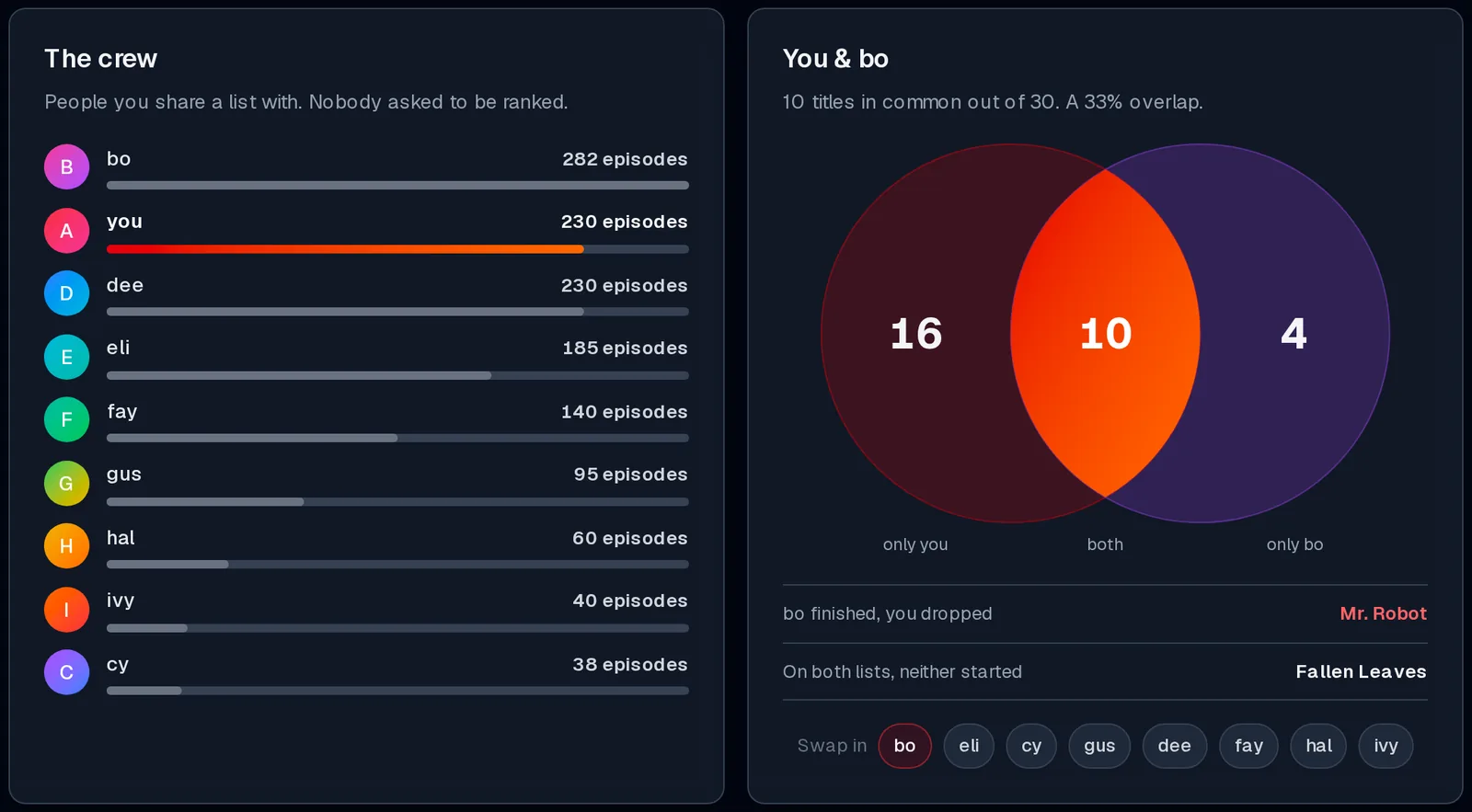
Your crew is everyone you share a list with: people whose lists you've joined, and people you've invited onto yours. Read Share a List with Collaborators.
- Up to 8 people appear: the ones who watched the most episodes that year.
- Anyone who has turned off crew comparisons is left out (see Opt Out below).
- If someone changes their username, they show under their new name, even in recaps made before the change.
The crew ranks you and your friends by the number of episodes each of you watched in the year. Your own row is highlighted. In the story, the crew card also tells you how many of them you out-watched.
The comparison looks at the titles each of you finished during the year:
- only you: titles you finished that they didn't;
- both: titles you both finished;
- only them: titles they finished that you didn't.
It also picks out two titles, when there are any:
- "[Friend] finished, you dropped": a show they saw through that you gave up on.
- "On both lists, neither started": something you're both still planning to watch. Maybe it's time.
The comparison starts with the friend you have the most finished titles in common with. To compare with someone else, select their name under Swap in. The selected name is highlighted.
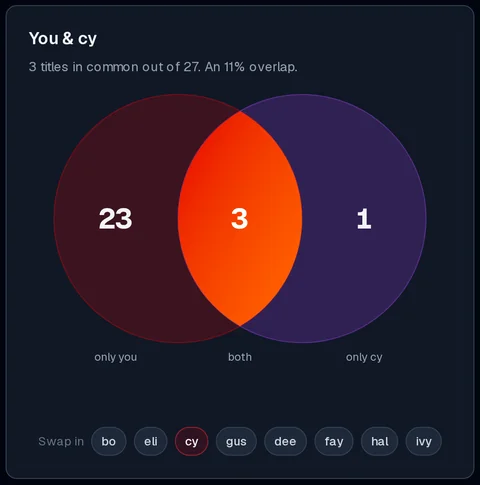
The same Swap in names appear on the comparison card in the story.
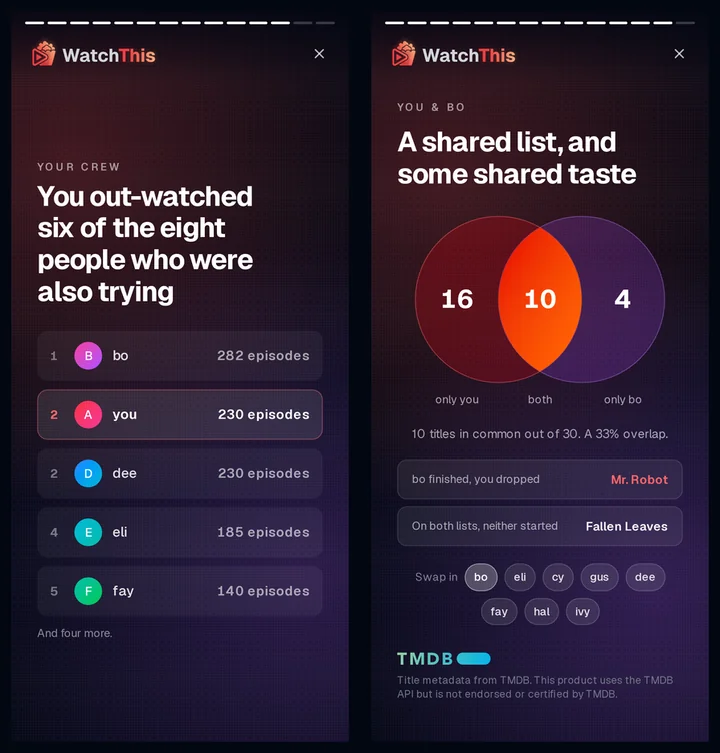
If you're in someone else's crew, their Series Finale can show:
- how many episodes you watched that year;
- how many of the titles you each finished overlap;
- a title you finished that they dropped;
- a title on both of your planning lists;
- whether your top show was the same as theirs.
It never shows your hours, the rest of your history, or anything about you on their share card. Share cards only ever contain the owner's own year.
You're included in crew comparisons by default, because the people you share lists with can already see your activity on those lists. To leave everyone else's Series Finale:
- Go to your Profile.
- Open the Data Management tab.
- In the Series Finale section, turn off Include me in crew comparisons.
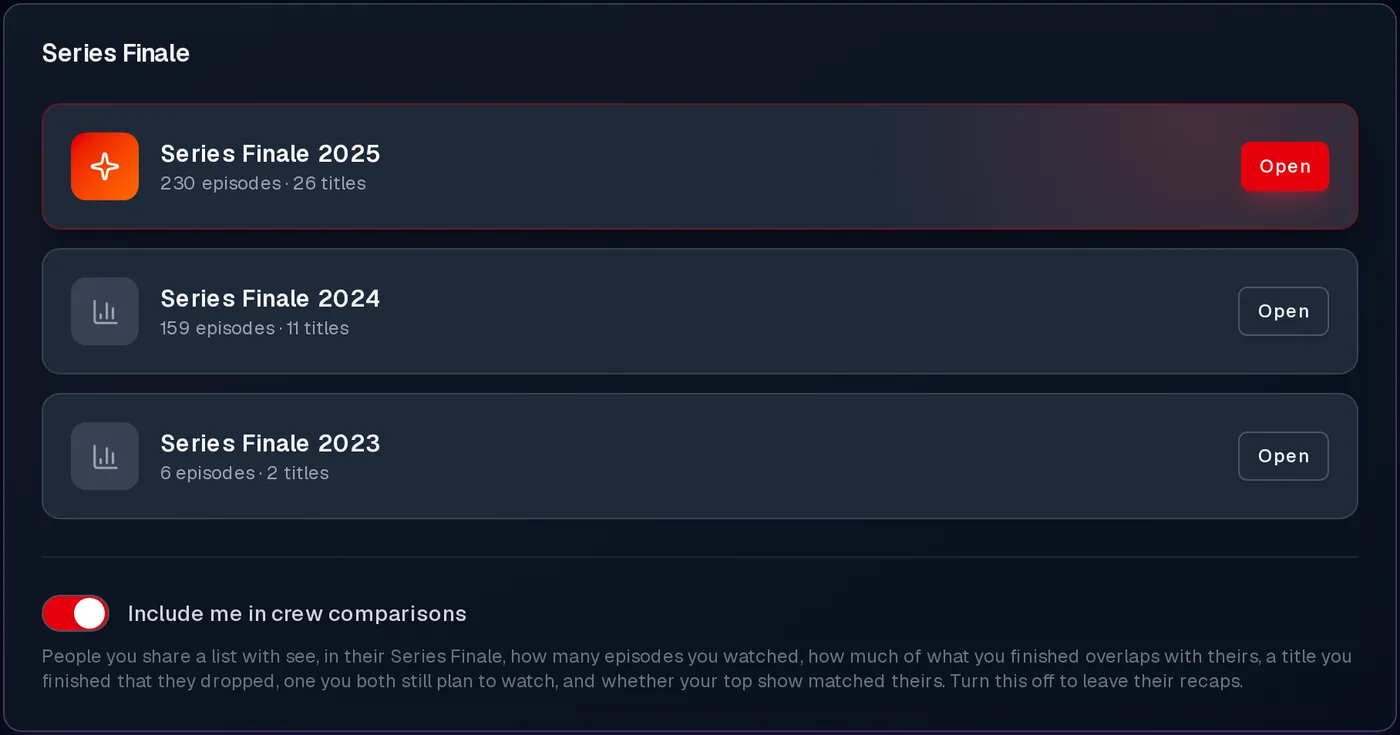
The change takes effect straight away, including in recaps your friends have already opened. You can turn it back on at any time, but recaps made while it was off won't include you.
Turning this off only removes you from other people's recaps. Your own Series Finale still shows the friends who have it switched on.