Explore Your Full Recap
See your whole year on one page, from hours watched to your biggest day.
Last updated October 1, 2026
The full recap puts your entire Series Finale on a single page. It's what opens on a computer, and on a phone once you've been through the story.
- On a computer: select See your Series Finale on the dashboard banner, or Open next to the year in your profile.
- On a phone: go through the story to the last card and select See the full recap. After that, the recap opens directly. Read Watch Your Story.
At the top of the page:
- Play as story replays the story.
- Share creates your share card. Read Share Your Card.
- ← takes you back to your profile.
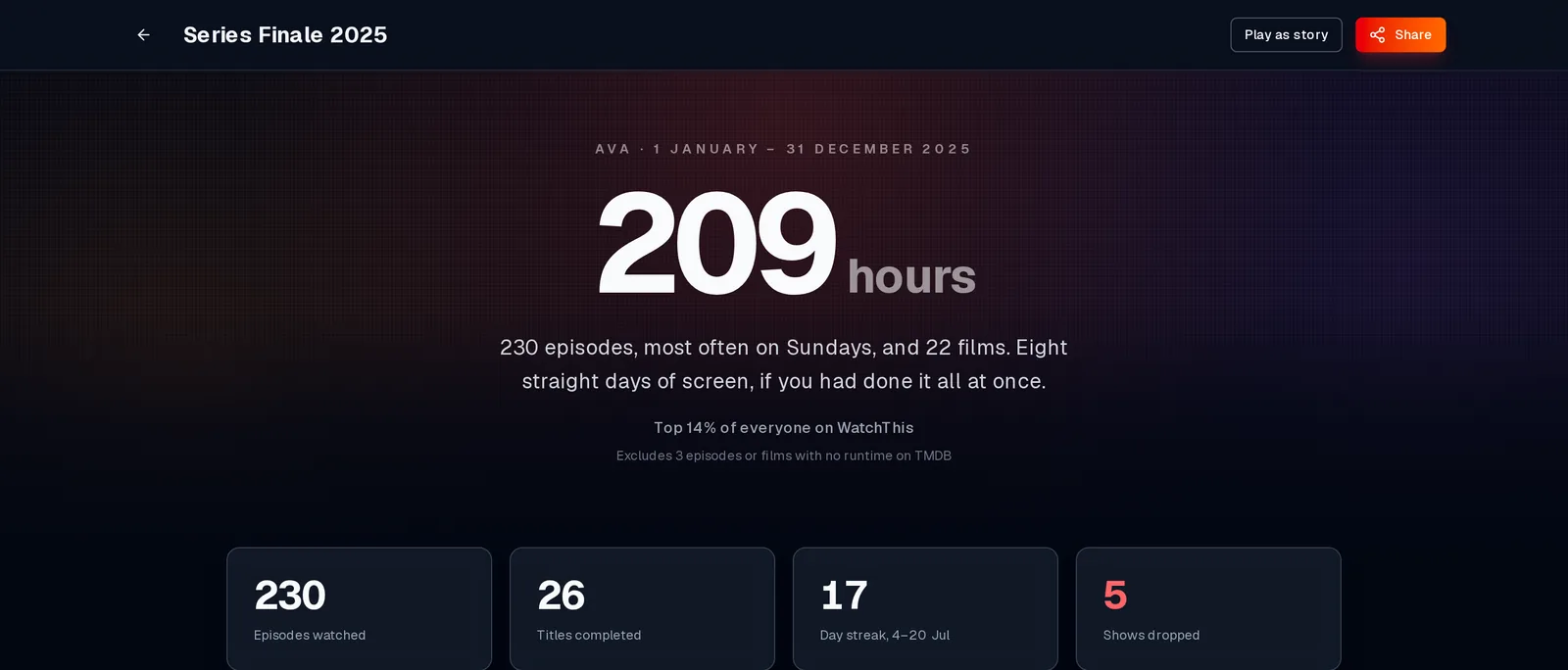
The page opens with your total hours, a line summing up your year, and four numbers: episodes watched, titles completed, your longest run of consecutive days watching, and shows dropped.
You may also see:
- "Top N% of everyone on WatchThis". How your hours compare with everyone else's recaps for a comparable year. It's anonymous, and it only appears once enough people have a recap to compare against.
- "Excludes N episodes or films with no runtime on TMDB". Those items count towards your episodes and titles but not your hours, because TMDB doesn't know how long they are.
A chart of how much you watched each month, with your peak month called out, and how your watching fell across the days of the week. Next to it is your watching type and the picture behind it.
Your most-watched show of the year (how many episodes, how long, and when you last watched it) and your most obscure film: the least popular film you finished, according to TMDB. If friends had the same top show, you'll see their names here too.
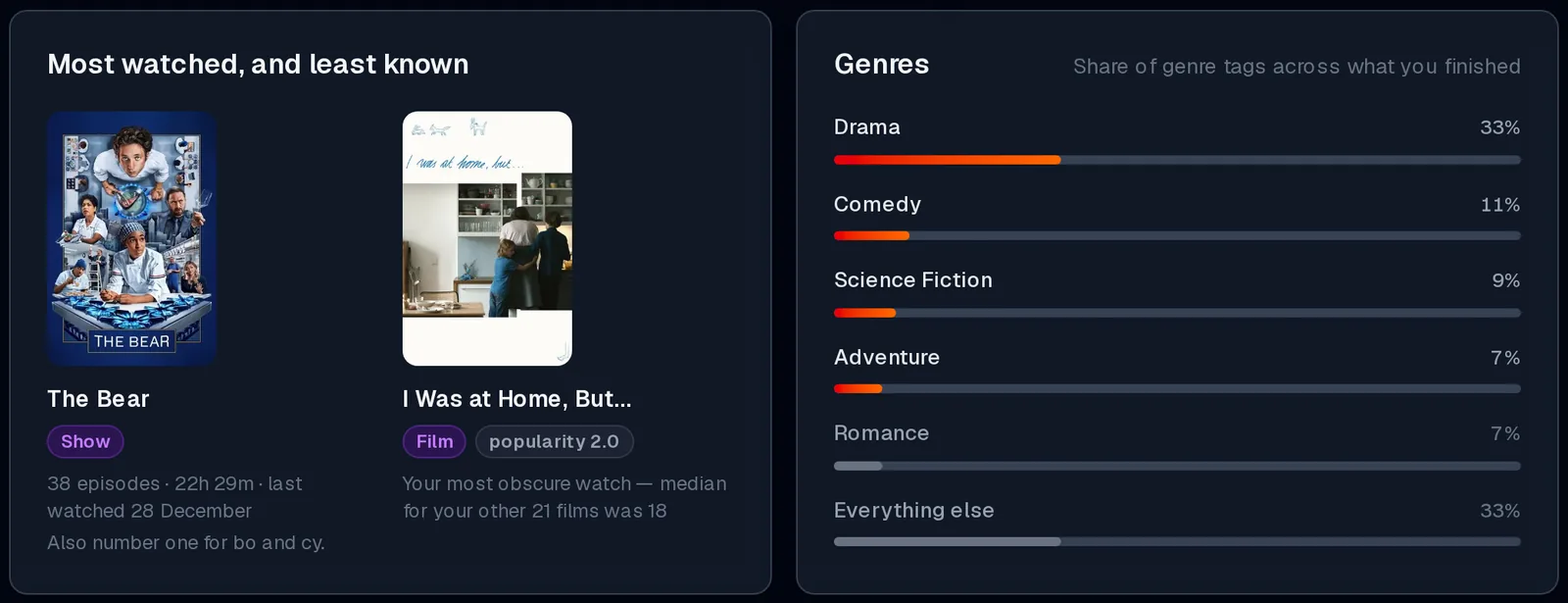
Your top genres across everything you finished. Each percentage is that genre's share of all the genre tags on those titles, and most titles carry two or three tags.
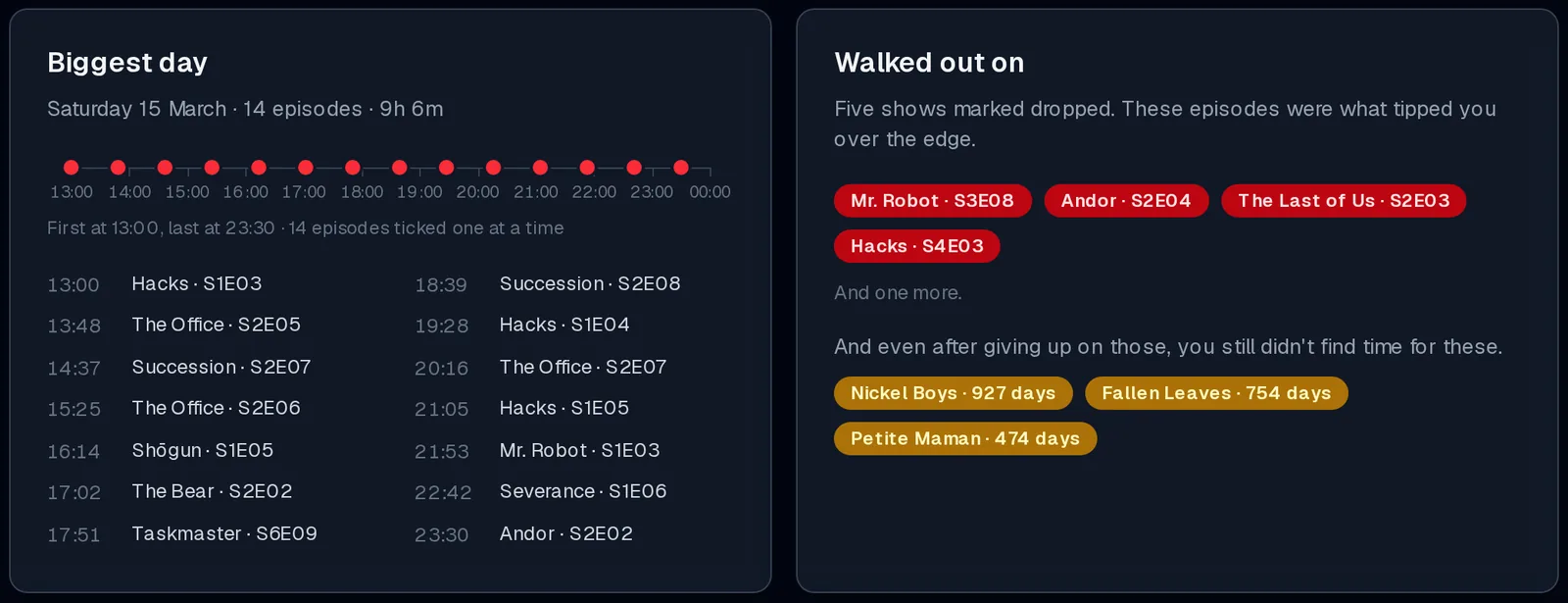
The day you watched the most episodes. When there's enough data, you'll also see when you started and stopped, each episode on a timeline, and a list of what you watched and when.
The shows you dropped that year, with the last episode you watched before giving up. Underneath are films that have been sitting in Planning the longest, with how many days they've been waiting.
If you share lists with other people, the last row compares your year with theirs. Read Friends in Your Series Finale.
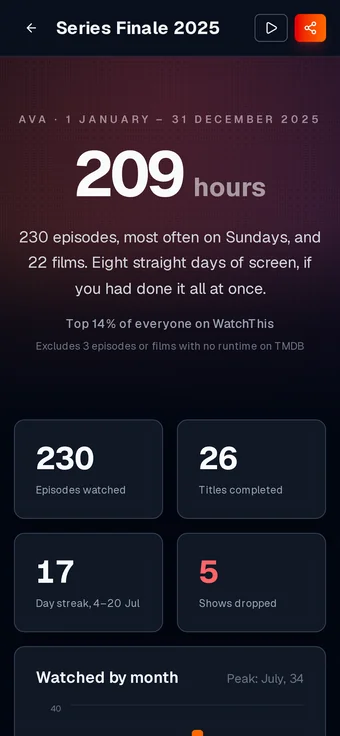
On a phone, the recap stacks everything into a single column. The Play as story and Share buttons shrink to icons at the top.
Panels with nothing to show are left out. For example, a year with no dropped shows and no waiting films has no "Walked out on" panel.