Why Don't I Have a Series Finale?
The reasons a year's Series Finale might be missing, or show only a short note.
Last updated October 1, 2026
If you can't find a Series Finale you were expecting, it's usually one of the reasons below.
A Series Finale becomes available once 31 December has ended in your profile's timezone. If your timezone is set to somewhere behind you, your recap will arrive later than you expect.
You can check it on the Profile tab of your profile page. Read: Edit Your Profile: Name, Photo, and Timezone.
If you open a year that isn't available, you'll see this:
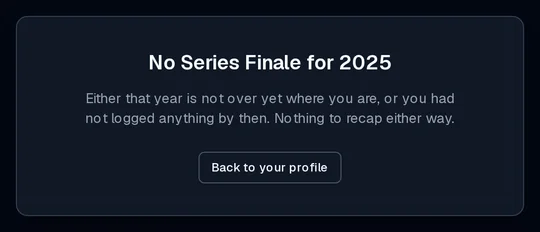
Series Finale covers each year from when you started using WatchThis. A year with no activity, or one before you joined, has nothing to recap.
This includes history you imported from another app. Imported episodes are often dated by when they aired rather than when you watched them, so years before you joined WatchThis don't get a Series Finale, even if your import has entries dated then.
The dashboard banner goes away once you've been through your Series Finale (to the last card of the story, or to the bottom of the full recap), or when you select Not now. The Series Finale itself is still there. Find it under Profile → Data Management → Series Finale. Read: Find Past Years.
If you've used WatchThis for several years, older years are added a few at a time. Your newest year is always ready first. Visit your dashboard or profile again and the rest will fill in.
If you watched fewer than 10 episodes and finished fewer than 5 titles, the year is too quiet for a full Series Finale. It's still listed in your profile, but opening it shows a short note instead of the story and recap, and there's no share card or dashboard banner for it.
To get a full Series Finale next year, keep marking episodes watched and setting titles to Completed as you go. Read: Watch Status Explained.