Weekly TV Schedule: Plan What to Watch
Schedule TV shows on specific days and get “next episode” prompts.
Last updated February 4, 2026
The weekly schedule helps you build a consistent watch routine. Schedule a TV show on certain days, and WatchThis will surface reminders and one-click “next episode” actions on those days.
You can only schedule TV shows that are:
- Planning
- Watching
- Paused
Shows marked Completed or Dropped can’t be scheduled.
Read: Watch Status Explained.
- Open a TV show’s details view.
- Set a watch status if you haven’t already (for example Planning).
- Open the Schedule tab.
- Click Add next to the day(s) you want.
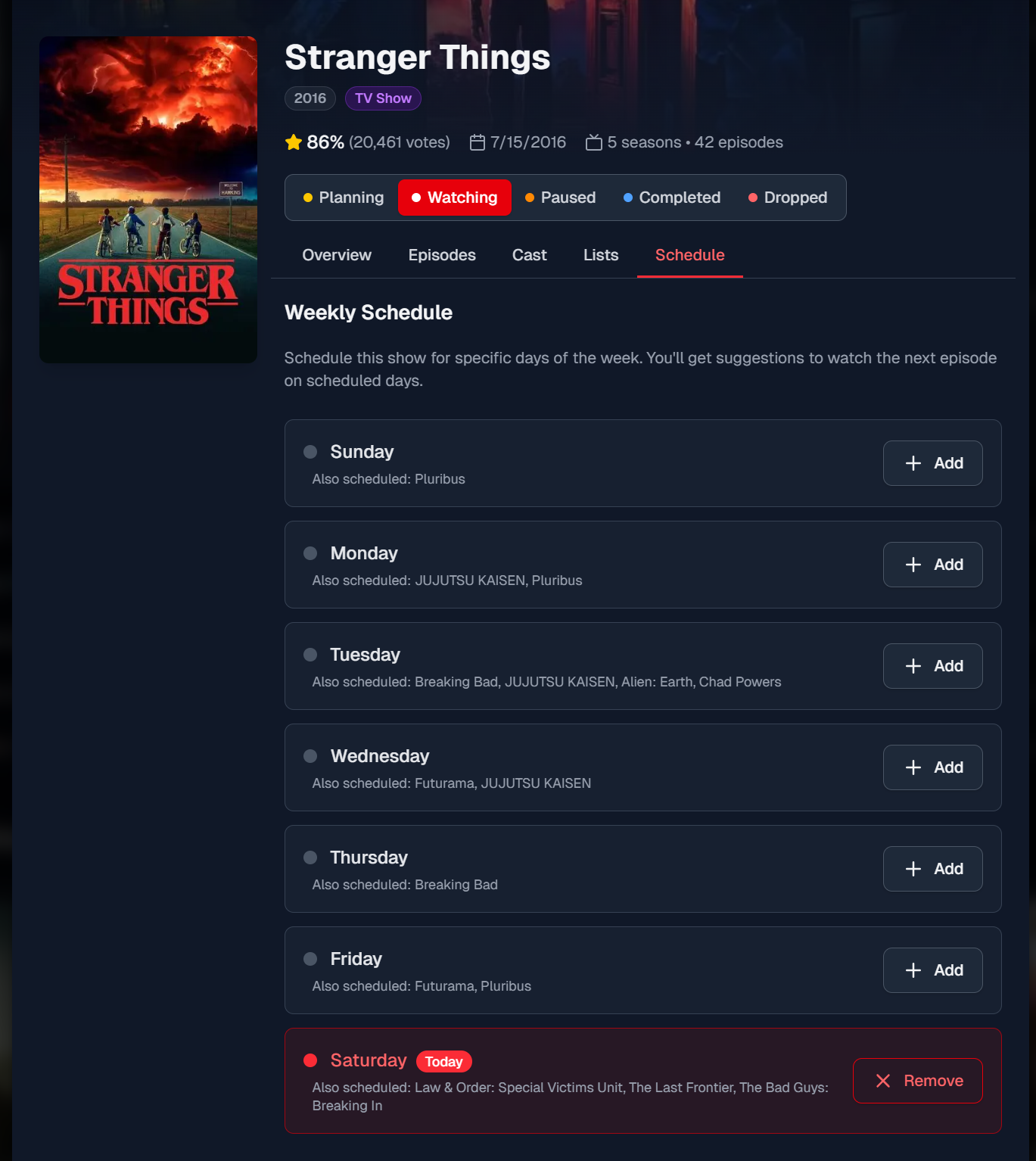
- Open the show’s Schedule tab.
- Click Remove next to the day you no longer want.
- Scheduling is a weekly pattern. It doesn’t track specific calendar dates.
- You can schedule the same show on multiple days.
- You can schedule multiple shows on the same day.
- Scheduling doesn’t automatically mark anything watched; it just helps you stay on track.
On scheduled days, WatchThis can show a “Have you watched this today?” prompt and let you mark the next episode watched.