Browse by Genre and Filters
Narrow Discover results by content type, genre, year, and sorting.
Last updated February 4, 2026
Filters help you narrow down what you see in Discover when you’re browsing (or searching) for movies and TV shows.
- Go to Discover (
/search). - Click Filters to open the filter panel.
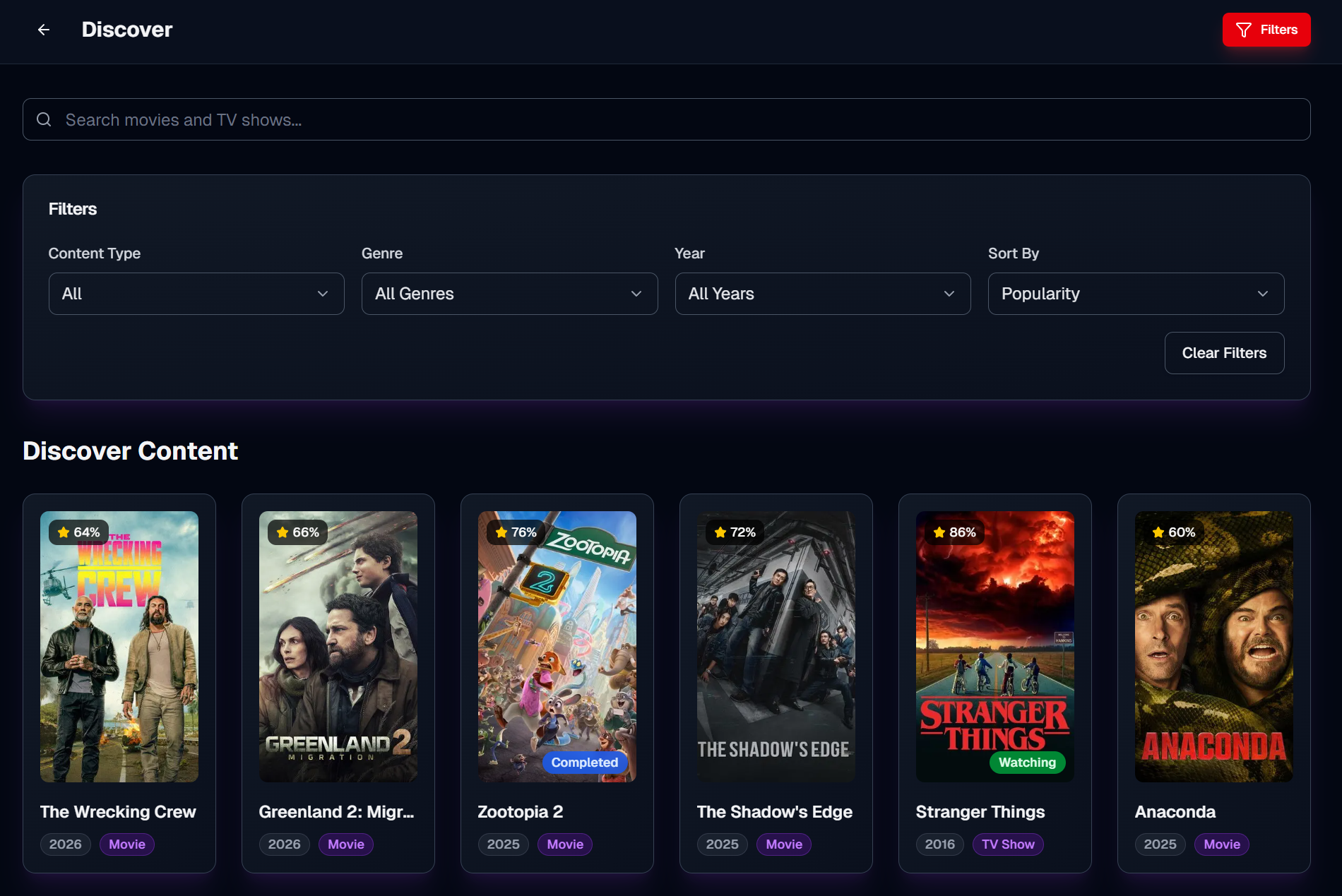
Choose:
- All (movies and TV shows)
- Movies
- TV Shows
Pick a single genre (or All Genres) to focus your browse results.
Use Year to focus on a release window.
Note: the Year filter works best when you’ve selected Movies or TV Shows (some search providers don’t support “year” for mixed results).
Choose how results are ordered:
- Popularity
- Rating
- Release Date
- Title
Click Clear Filters to reset everything back to the defaults.
- If you want to browse by genre or popularity, clear the search box so you’re in browse mode.
- If you’re searching by title, focus on Content Type and (when available) Year.